
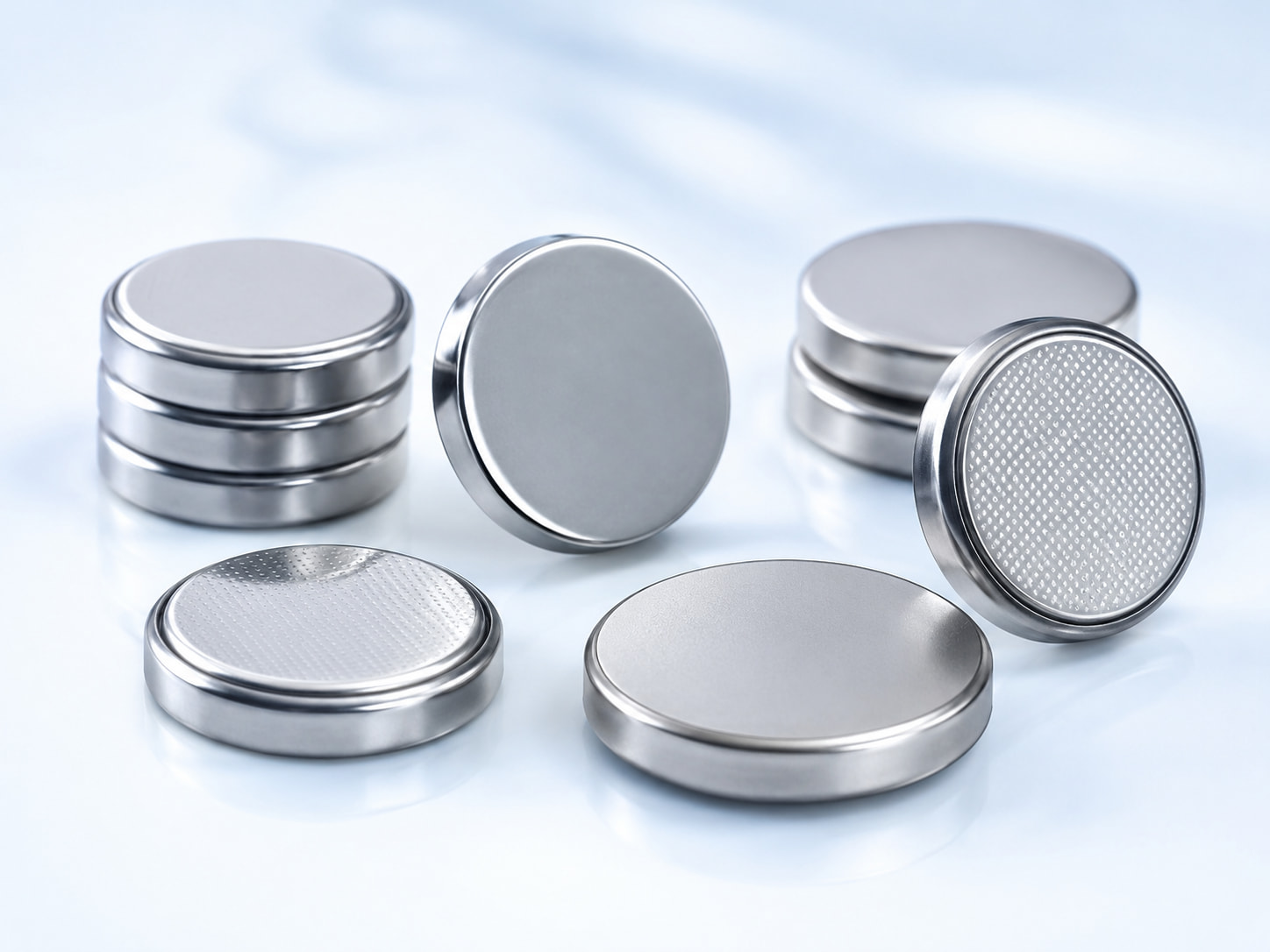
A button battery can still show usable voltage while the device it powers resets, shuts down, or works intermittently. In this case, the cell itself may not be the problem.
The electrical connection between the button battery, holder, PCB, and device circuit can add resistance to the power path. If that resistance becomes too high, the voltage reaching the electronics can drop even when the battery still contains usable energy. This is why failure analysis for products using cells such as CR2032 and CR2025 should include button battery contact resistance.
Zenilove’s button battery product range includes both CR2032 and CR2025 cells commonly used in compact electronic devices.
Contact Resistance Exists Outside the Button Battery
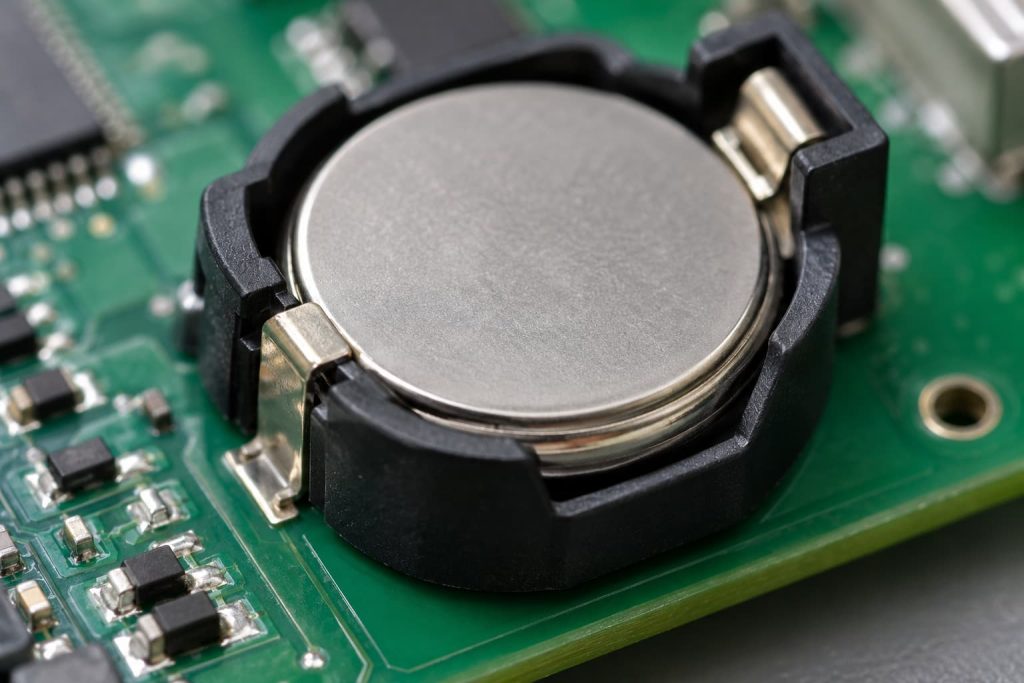
A coin cell reaches the electronic circuit through several physical connections.
A simplified power path is:
Cell terminal → holder contact → PCB connection → device load
Every interface introduces some electrical resistance.
This needs to be separated from the battery’s internal resistance. Battery internal resistance exists inside the cell. Contact resistance exists where the cell physically connects to the equipment. The distinction matters because a good battery can still appear defective when the holder or PCB connection creates excessive resistance.
Typical external causes include:
- weak spring pressure;
- contaminated terminals;
- oxidation;
- worn plating;
- bent contacts;
- damaged solder joints.
Changing the battery may temporarily change the physical connection without correcting the underlying fault.
Contact Pressure Determines Connection Stability
Coin cells normally rely on spring or formed-metal contacts to create a stable electrical connection. If contact pressure drops too low, the interface becomes more sensitive to movement, contamination, or dimensional variation. Panasonic’s Lithium Technical Handbook gives general contact-pressure guidance of 2–10 N for coin-type batteries and also discusses terminal materials and multi-point contact design for reliable connections. The correct value for a specific product still depends on its mechanical design, but the principle is important:
Battery contact pressure is a design variable, not an accidental result of the holder shape.
Pressure can change because of:
- spring fatigue;
- repeated battery replacement;
- enclosure deformation;
- manufacturing tolerance;
- vibration;
- impact.
A marginal connection may remain stable on a laboratory bench but fail after the product is carried, dropped, or shaken.
Coin Cell Dimensions Affect Contact Reliability
Button batteries that have the same nominal voltage do not necessarily have the same dimensions. This matters for common models such as CR2032 and CR2025. Zenilove lists CR2032 lithium coin cells as a 3 V battery used in applications such as key fobs, RTC backup, wearables, medical devices, and smart sensors. The cell’s physical dimensions must match the holder design. A thinner-than-expected cell may reduce contact pressure. A cell thicker than the intended design can create excessive mechanical force or prevent the enclosure from closing properly. This means you should not substitute a battery solely because its voltage matches.
For contact reliability:
Evaluate the battery model, battery dimensions, and holder geometry together.
Surface Condition Can Increase Contact Resistance
Electrical contact surfaces need to remain clean.
Possible contaminants include:
- fingerprints;
- oil;
- dust;
- oxidation;
- corrosion;
- production residue.
These materials can make the battery-to-holder connection less stable. In production, operators should therefore avoid unnecessary handling of the electrical contact surfaces.
When troubleshooting an intermittent device, inspect both sides of the interface:
- battery terminal;
- holder contact.
Measuring the cell alone does not test this connection.
Contact Resistance Creates More Voltage Drop Under Load
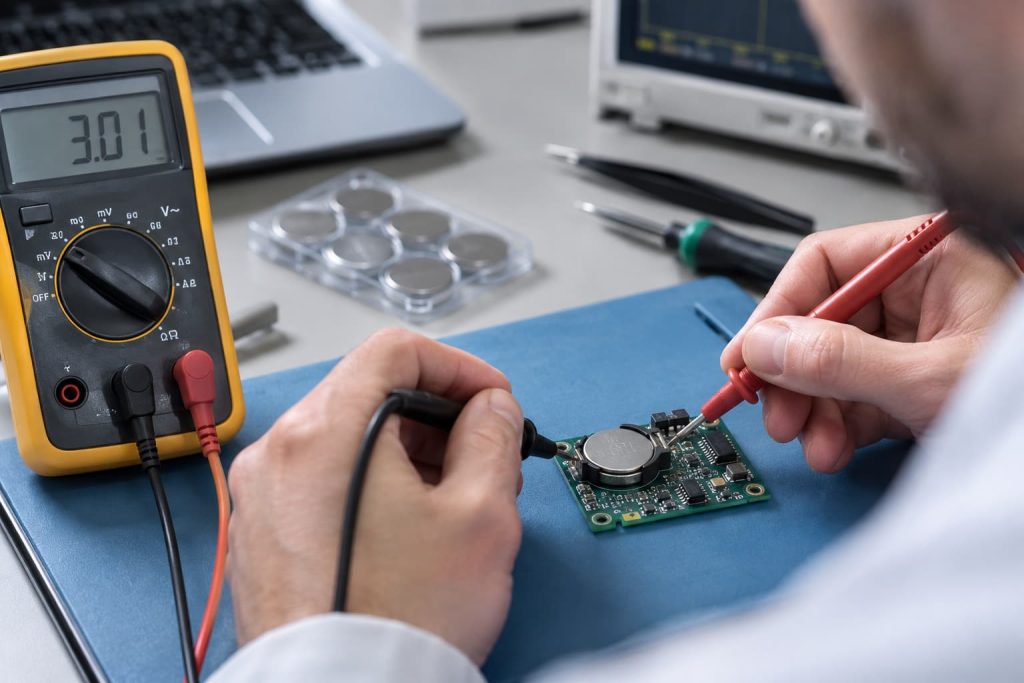
A weak contact can look normal when almost no current is flowing. The problem may only appear when the device performs an operation that requires more current.
Examples include:
- wireless transmission;
- display startup;
- LED activation;
- sensor measurement;
- buzzer operation.
At that moment, additional resistance in the contact path causes additional voltage drop.
Using the basic relationship:
Voltage drop = Current × Resistance
Even a relatively small increase in resistance becomes more important as current increases. This explains why a button battery may measure an acceptable open-circuit voltage outside the product but still cause the device to reset during operation.
For failure analysis, engineers should therefore compare:
- battery-terminal voltage;
- PCB supply voltage;
- voltage during the event that causes the failure.
Intermittent Contact Can Reset the Device
The connection does not have to remain completely open for several seconds. A brief drop in supply voltage may be enough to reset a microcontroller or interrupt a sensitive circuit.
Possible symptoms include:
- random restart;
- blank display;
- failed wireless communication;
- lost temporary settings;
- temporary shutdown;
- intermittent operation.
This can lead to a misleading repair result.
The user removes the battery.
The voltage appears normal.
The battery is reinstalled.
The product starts working again.
It is easy to conclude that the battery caused the failure.
But removing and reinstalling the cell may simply:
- reposition the contact;
- increase temporary spring pressure;
- disturb surface contamination;
- change the battery’s mechanical position.
The underlying contact problem may still remain.
Diagnose Button Battery Contact Resistance Through the Power Path
Diagnose a contact problem at the device, not just the standalone battery.
Measure the Battery First
Check the open-circuit voltage and inspect both battery terminals. This provides a baseline.
Measure Voltage at the PCB
Install the battery and measure the supply voltage closer to the electronic circuit. If the battery voltage and PCB voltage differ unexpectedly, inspect the connection path between them.
Measure During the Failure Event
Repeat the measurement while the product performs the action that normally causes the problem.
For example:
- wireless transmission;
- startup;
- LED operation;
- sensor activation.
A minimum voltage during operation may reveal a problem that an unloaded measurement cannot show.
Inspect the Holder
Check:
- terminal alignment;
- contact pressure;
- corrosion;
- contamination;
- damaged plating;
- battery retention.
Inspect the PCB Connection
The battery holder may be mechanically correct, but the solder joint connecting it to the PCB may be cracked or unstable.
Compare With a Known-Good Assembly
Install the same battery in a verified device or holder. If the fault remains with the original product rather than following the battery, the contact system deserves closer investigation.
Separate Contact Resistance From Battery Internal Resistance
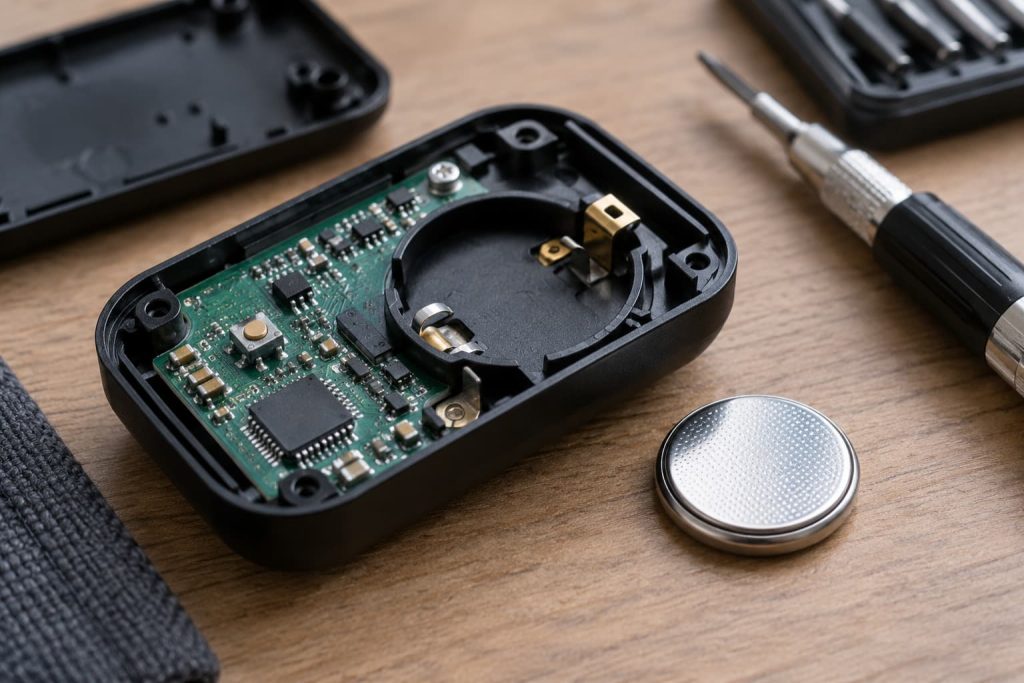
Both types of resistance can contribute to voltage drop, but they originate in different locations.
| Problem | Main Area to Check |
|---|---|
| Battery internal resistance | Cell condition |
| Contact resistance | Holder and terminals |
| Battery movement | Mechanical retention |
| PCB voltage loss | Holder connection and solder joints |
| Surface contamination | Battery and terminal surfaces |
Keeping these mechanisms separate makes troubleshooting more efficient. A degraded CR2032 requires a different corrective action than a healthy CR2032 installed in a poor holder. The wider Zenilove lithium battery product range can provide context, but this diagnosis is not meant to automatically select another battery. It is to determine where the power loss occurs.
Validate Button Battery Contacts Before Mass Production
Review contact reliability before a product enters large-scale production.
The validation should consider:
- approved coin cell model;
- holder geometry;
- terminal alignment;
- contact force;
- battery retention;
- enclosure influence;
- PCB solder connection;
- normal device movement;
- repeated battery replacement.
For user-replaceable cells, repeated replacement matters most. A battery holder that performs correctly during the first assembly should continue to provide stable contact after the cell has been removed and installed multiple times.
Button Battery Reliability Depends on the Complete Contact Path
Don’t evaluate a button battery in isolation.
Reliable power depends on the entire path:
battery → contact → holder → PCB → device.
If a CR2032, CR2025, or similar coin cell still shows usable voltage but the product resets or loses power, check contact resistance before classifying the cell as defective. Contact pressure, terminal condition, holder geometry, mechanical retention, and PCB connection can all affect how much battery voltage actually reaches the electronics.