
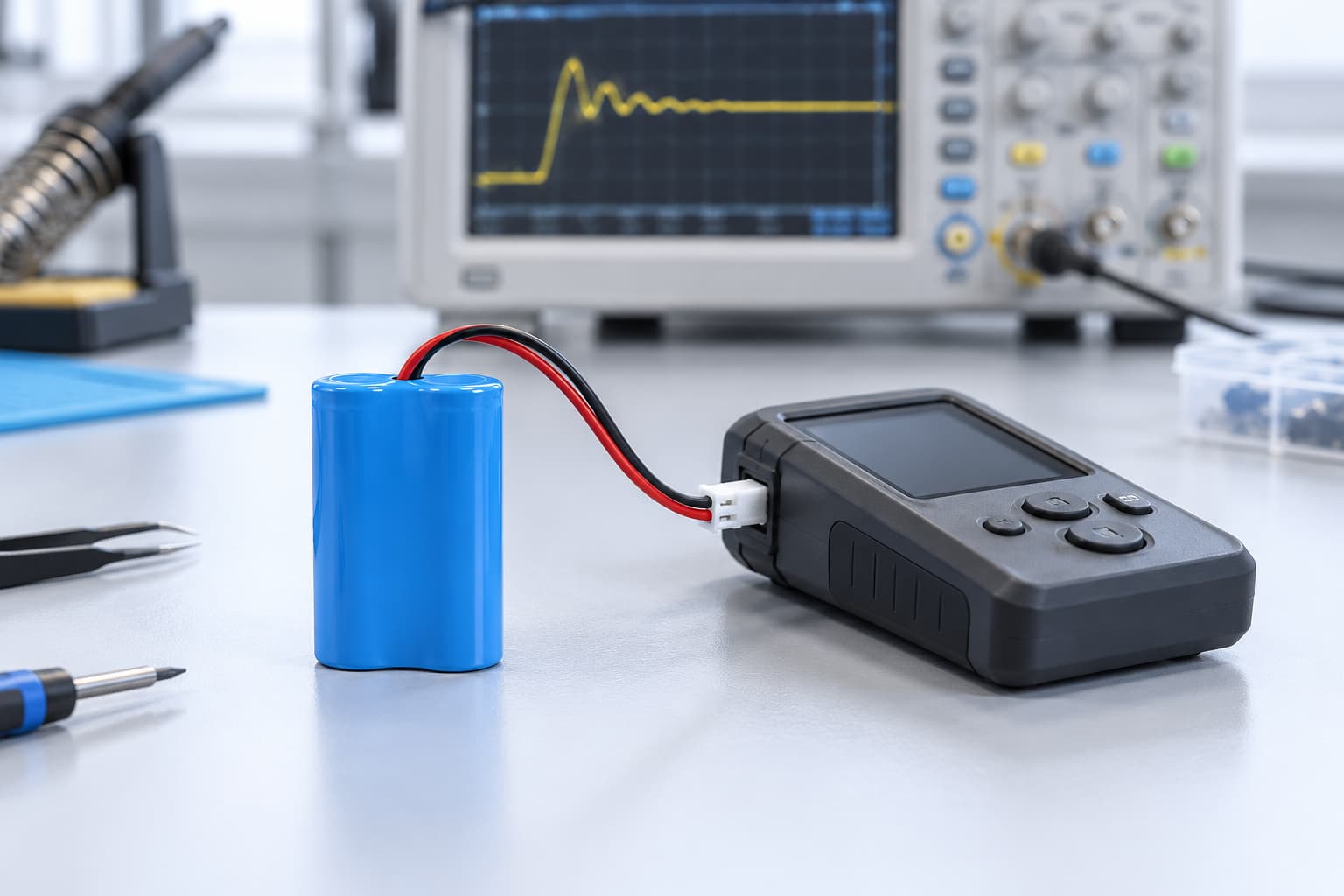
A voltage drop in an 18650 battery pack can cause a device to shut down or restart during startup, even when the battery appears charged. The initial current demand may pull the device’s input voltage below its operating threshold. In other cases, the battery protection circuit disconnects the output.
The correct solution depends on which event occurs first. Before choosing a larger pack, measure startup current, battery output voltage, and device input voltage. These measurements help separate a battery limitation from a connection problem or a protection event.
Recognising 18650 Battery Pack Voltage Drop
A device that fails to start does not necessarily have a disconnected battery. Its input voltage may briefly fall below the level required by its power supply while the battery continues delivering current.
Alternatively, the pack’s protection circuit may interrupt the output. A voltage reading taken after shutdown can miss the event that caused the failure.
Use the following checks to distinguish the symptoms:
| Observed symptom | Possible cause | What to measure | Potential correction |
|---|---|---|---|
| Device restarts while pack output remains present | Device input falls below its operating threshold | Device input voltage during startup | Improve voltage margin, power path, or startup sequence |
| Pack output disappears during startup | Battery protection may have activated | Pack output and current waveform together | Review protection thresholds and delays with the supplier |
| Pack voltage remains acceptable but device input falls | Loss through wires, connectors, or joints | Voltage at both ends of the connection path | Repair or redesign the connections |
| Startup works at high charge but fails at lower charge | Insufficient voltage margin under load | Startup response at defined charge levels | Review pack capability and usable charge range |
| Startup becomes unreliable in colder conditions | Temperature-dependent battery or device behaviour | Startup response within approved temperature limits | Validate cell selection and operating conditions |
These observations guide further testing. They do not establish the root cause without measurements.
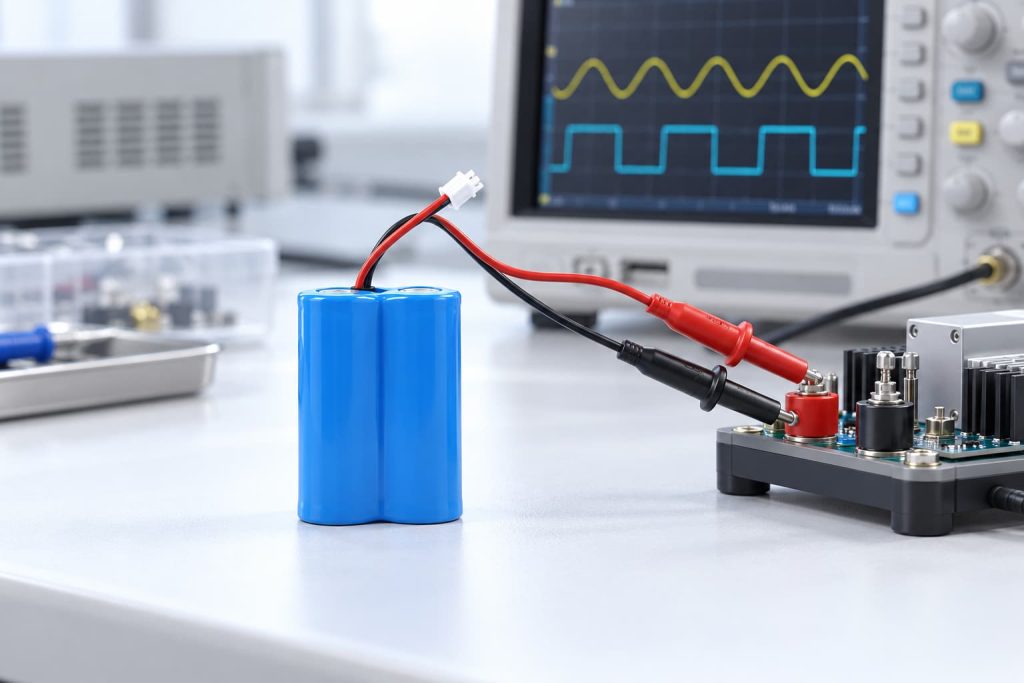
What Causes Startup Voltage Sag?
Battery voltage changes under load. Cells have internal impedance, and connections between the pack and device add additional losses.
For the resistive part of the power path, a useful approximation is:
Voltage drop ≈ Current × Resistance
Higher startup current therefore produces a larger drop across the same resistance. Battery behavior also depends on charge level, temperature, cell condition, and pulse duration.
Startup Current Exceeds Operating Current
Average operating current does not describe the complete load.
Motors and pumps may require additional current when starting. Input capacitors draw charging current when power is applied. Several circuits may also turn on together during the device’s boot sequence.
Record the peak current, its duration, any repeated pulses, and the steady current after startup. A brief pulse and a sustained overload may require different solutions, even when their peak values are similar.
Cell Performance Limits Voltage Under Load
Capacity indicates stored charge. It doesn’t indicate whether a cell can maintain sufficient voltage during startup.
Packs with similar capacity can respond differently because of their cell characteristics, internal impedance, temperature, charge level, and age.
When investigating 18650 battery pack voltage drop, evaluate the actual startup waveform rather than selecting a pack by its mAh rating alone.
Connection Resistance Adds Voltage Loss
Electrical resistance opposes current flow. Resistance in wires, connectors, and joints causes voltage loss when startup current flows through them.
Long or undersized wires, damaged contacts, poorly seated connectors, and inconsistent joints can increase these losses.
Measure voltage at the pack output and device input during the same event. If the pack output remains acceptable but the device input drops sharply, focus on the connection path. Check both the positive supply and return connection.
Voltage Sag or Protection Circuit Shutdown?
A battery protection circuit may disconnect the output after detecting overcurrent during discharge, a short circuit, or an excessively low cell voltage.
Its behaviour depends on detection thresholds, delays, and recovery conditions. A current rating alone does not describe how it responds to a startup pulse.
The device may also have its own undervoltage shutdown function. In that case, the device can stop while the battery output remains connected.
Ask the supplier to confirm the actual pack’s:
- Discharge overcurrent threshold and detection delay.
- Short-circuit detection behaviour.
- Overdischarge threshold and delay.
- Output recovery conditions.
Do not bypass protection to start the device. Review any proposed change against the cells, wiring, load, and operating conditions.
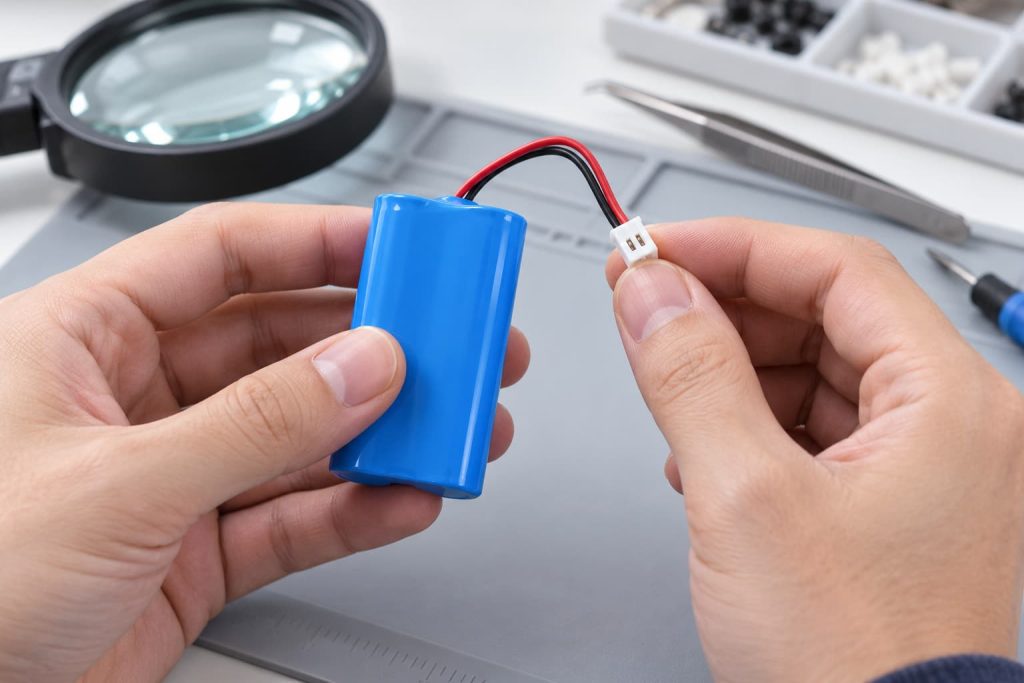
How to Diagnose 18650 Battery Pack Voltage Drop
Capture Current and Voltage Together
Record startup current, battery output voltage, and device input voltage with suitable equipment.
A multimeter can support basic checks, but a brief transient may require an oscilloscope and an appropriate current measurement method. Use safe probing arrangements that avoid short circuits through instrument connections.
Identify the First Failure Event
Check whether the device input voltage drops before the reset, or whether the pack output disconnects after a current pulse.
Also look for repeated startup attempts. A device that continually restarts may generate several current pulses, making the original failure harder to identify.
Repeat Under Defined Conditions
Test representative charge levels and temperatures within the approved operating range. Keep the firmware, wiring, device configuration, and startup procedure consistent.
Change one variable at a time. If the battery, connector, and startup sequence all change together, a successful result will not reveal which change solved the problem.
How to Reduce Startup Voltage Drop
Use the measurements to select the correction.
Choose cells suited to the load. Evaluate their voltage response during the actual startup pulse across the intended charge and temperature ranges.
Improve the power path. Review wire size and length, connector suitability, contacts, and joints. Measure device input voltage again to confirm the improvement.
Coordinate protection with the application. Compare the current waveform with the protection thresholds and delays. Raising a threshold requires engineering review; it is not an automatic fix.
Review startup sequencing. Where the device design allows, soft-start or staged activation may reduce simultaneous current demand. Confirm that the revised sequence meets functional requirements.
Repeat the original failure test. Successful operation at full charge alone does not confirm reliable startup across the intended use range.
Can a 1S2P 18650 Pack Improve Startup?
A 1S2P pack connects two cells in parallel. It increases capacity compared with a single cell while keeping a single-cell voltage platform.
Zenilove’s 18650 5200mAh battery pack is listed as 1S2P, 3.6V nominal, 5200mAh capacity, and with a built-in protection circuit.
These specifications provide a starting point for evaluation. They do not establish compatibility with every startup load.
Before selecting a pack, confirm:
- The device’s input voltage range.
- Continuous current and startup peak current.
- Pulse duration and repetition.
- Minimum acceptable input voltage during startup.
- Protection thresholds and delays.
- Wiring, connector, and installation requirements.
A 1S2P configuration does not raise nominal voltage or guarantee that startup shutdown will disappear. Validate the assembled pack with the actual device.
For other configurations, review the cylindrical battery range and share the measured load requirements with the supplier.
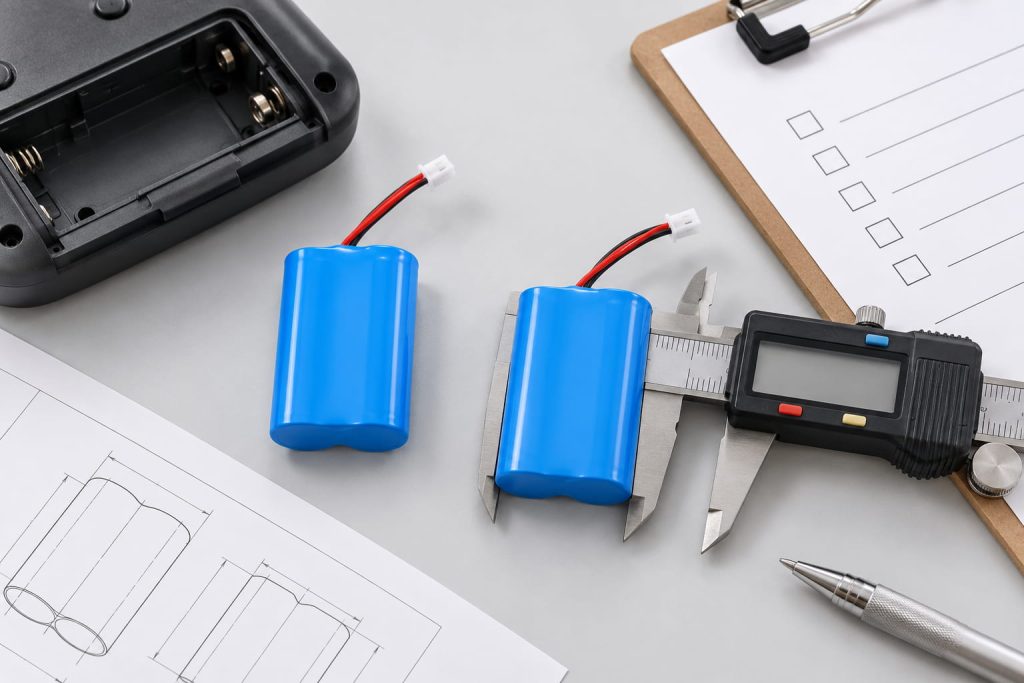
What Test Data Should Your Supplier Receive?
A description such as “the device switches off when the motor starts” leaves several possible causes open. Send measurements showing the load and voltage response together.
| Test field | Information to provide |
|---|---|
| Sample identification | Device version, firmware, pack model, and sample number |
| Test conditions | Charge condition and measured temperatures |
| Startup current | Peak, duration, repeated pulses, and steady operating current |
| Pack output | Initial voltage, minimum voltage, and any output interruption |
| Device input | Minimum captured voltage and required operating range |
| Connection path | Wire size, length, connector type, and assembly details |
| Failure behavior | Reset, shutdown, failed start, or loss of pack output |
| Recovery | Whether operation resumes automatically or requires an action |
| Repeatability | Test count, failure count, and associated conditions |
| Comparison changes | The variable changed between tests |
Agree on acceptance criteria before approving the sample. Include successful startup, acceptable device input voltage, and repeated operation under the intended conditions.
For the wider development process, see battery prototyping and design from requirements to a production-ready sample.
Confirm Startup Performance Before Pack Approval
Resolving 18650 battery pack voltage drop requires the battery, protection circuit, connections, and device power design to work together.
Capture the startup event first. Use the results to determine whether the correction belongs in cell selection, the connection path, protection coordination, or startup sequencing.
For an OEM battery evaluation, share your startup current waveform, device input voltage range, operating conditions, and dimensional requirements with Zenilove. These details help define a suitable pack and a meaningful sample validation plan.